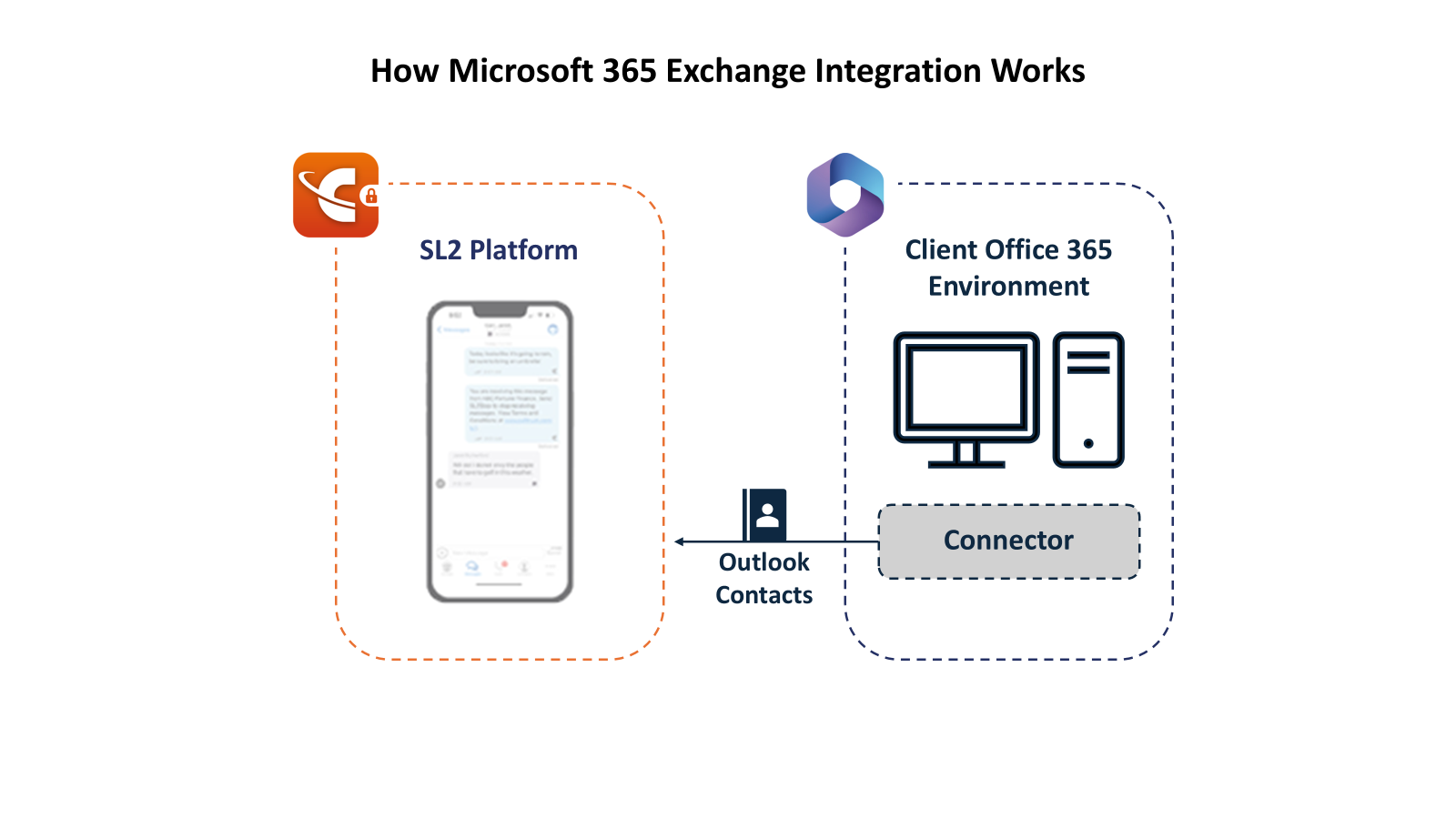
SL2 Enterprise seamlessly integrates with Microsoft 365 Exchange, empowering users to work within the familiar tools they rely on every day. With effortless access to email, calendaring, contacts, and scheduling, teams can collaborate efficiently without disrupting existing workflows. By leveraging your organization’s Microsoft 365 environment, SL2 enhances productivity, simplifies user adoption, and strengthens governance—all while maintaining a secure, compliant record of business communications. The result is a powerful, enterprise-ready solution that combines the flexibility of Microsoft 365 with the assurance of fully captured and mobile communications.
Let’s get started!
FAQ
What does the Microsoft 365 Exchange integration enable?
The integration lets SL2 users work with their existing Microsoft 365 Exchange email, calendar and contacts for smoother scheduling and collaboration. It reduces duplicate contact management and keeps business workflows connected.
Does the Microsoft 365 Exchange integration require a user license?
Yes, this feature does require a valid M365 Exchange licensed enabled and assigned in the SL2 Admin Portal.
How can I edit or update an outlook contact from SL2?
SL2 has read-only access to Microsoft 365 contacts, so update the contact in Outlook, and SL2 will automatically sync the changes.